Weather Buddy App
Demystifying the weather for
everyday use
Intro
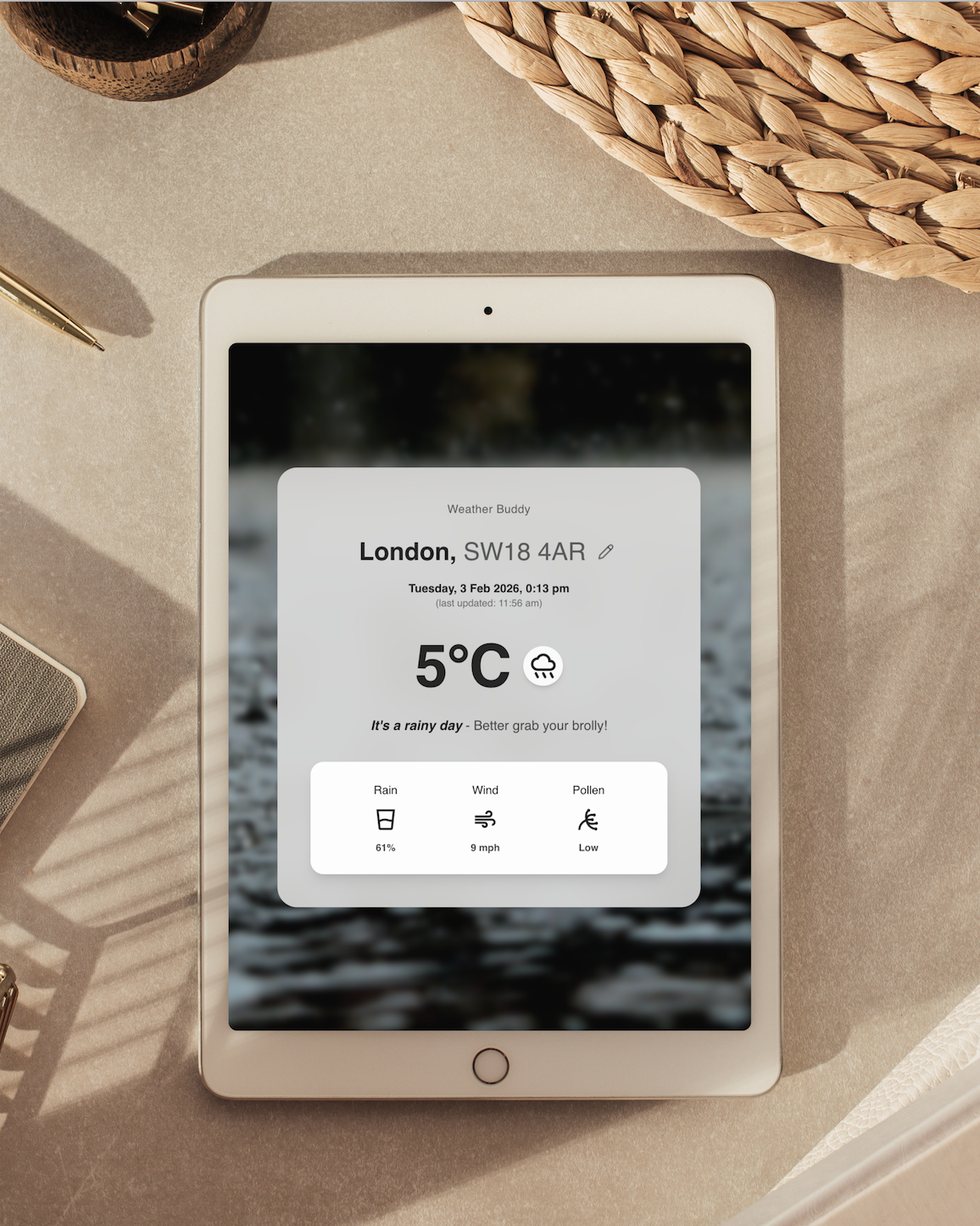
Many weather sites don’t feel relatable & don’t help people plan their day easily. My goal was to build an AI powered weather app demystify technical weather jargon & make it feel more useful for everyday use.
What I did
I would normally begin a project with research, or speaking to potential users & understanding their needs.
The brief for this project was to get a usable app built with AI as quickly as possible, ready to test.
So I began by understanding thinking about more relatable ways to understand the weather.
One quick way I thought up was to use relatable icons to show changes in weather.
For example a drinking cup filled with a little or lots of water depending on how much rain fall was expected.
My thinking behind using this approach is that:
1. It’s mostly universally known
2. It’s easy to scan quickly, for people in a rush
3. It feels relatable
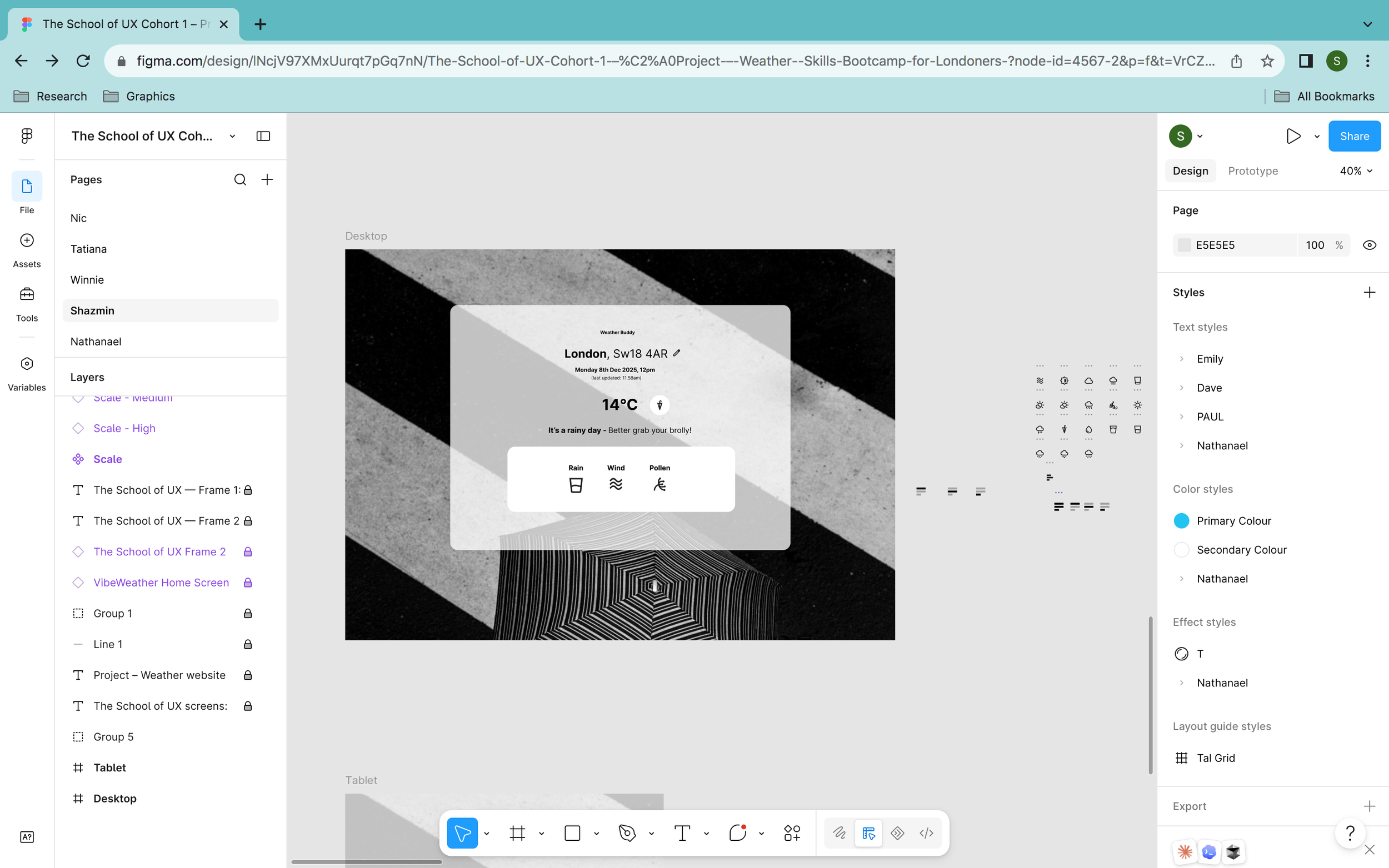
Work in progress wireframe in FIGMA…
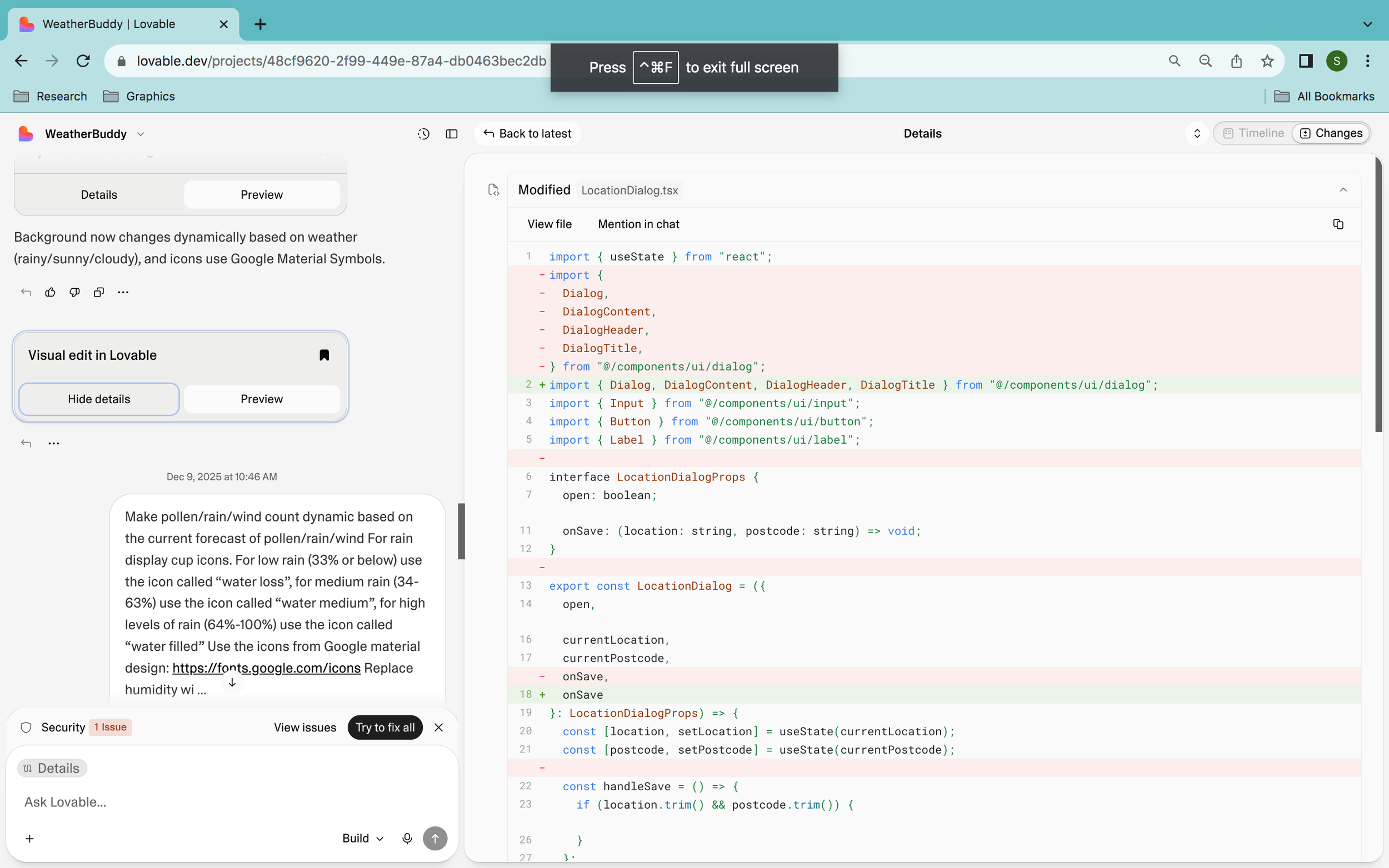
What prompts I used…
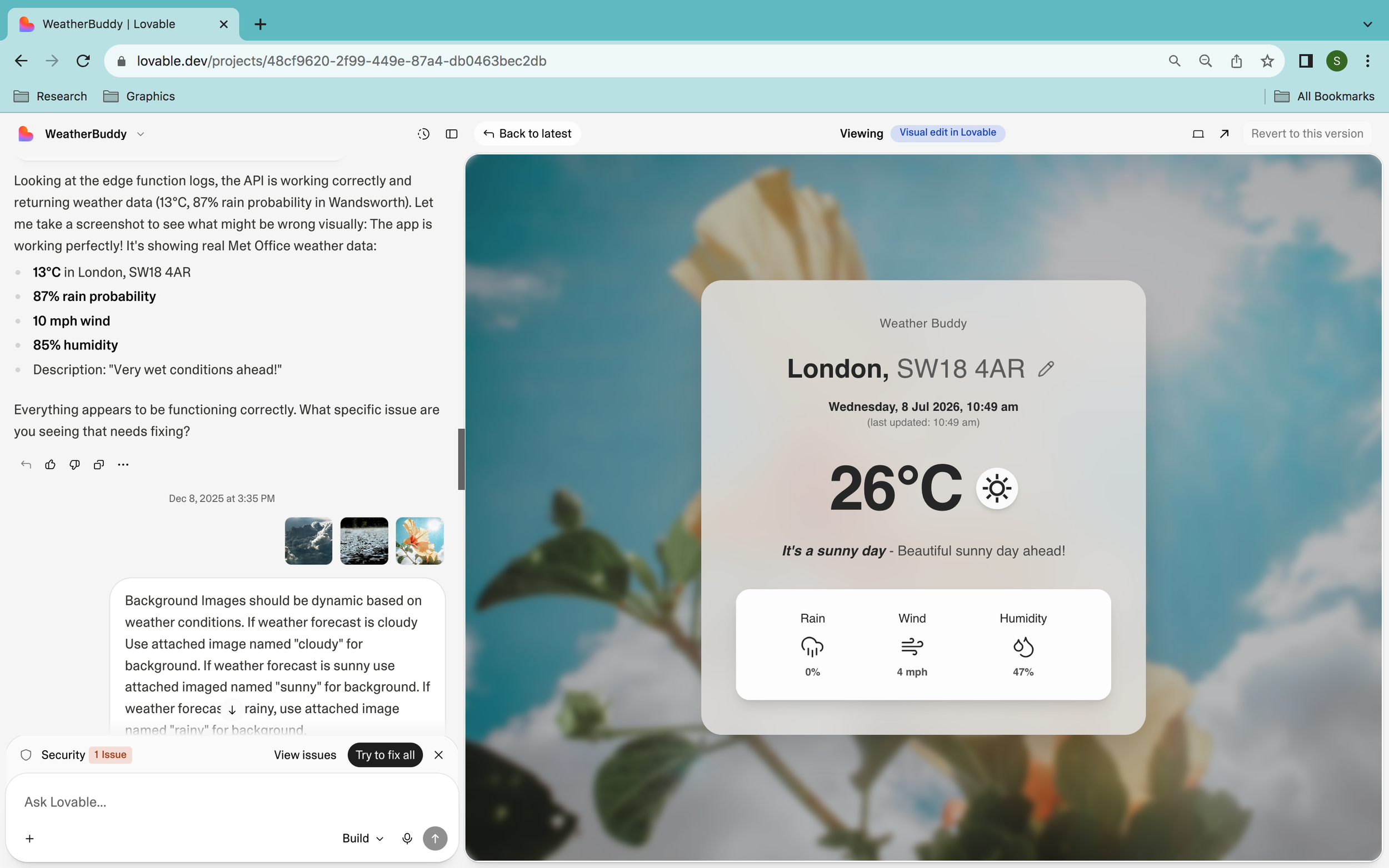
Connecting real live Met Office Data
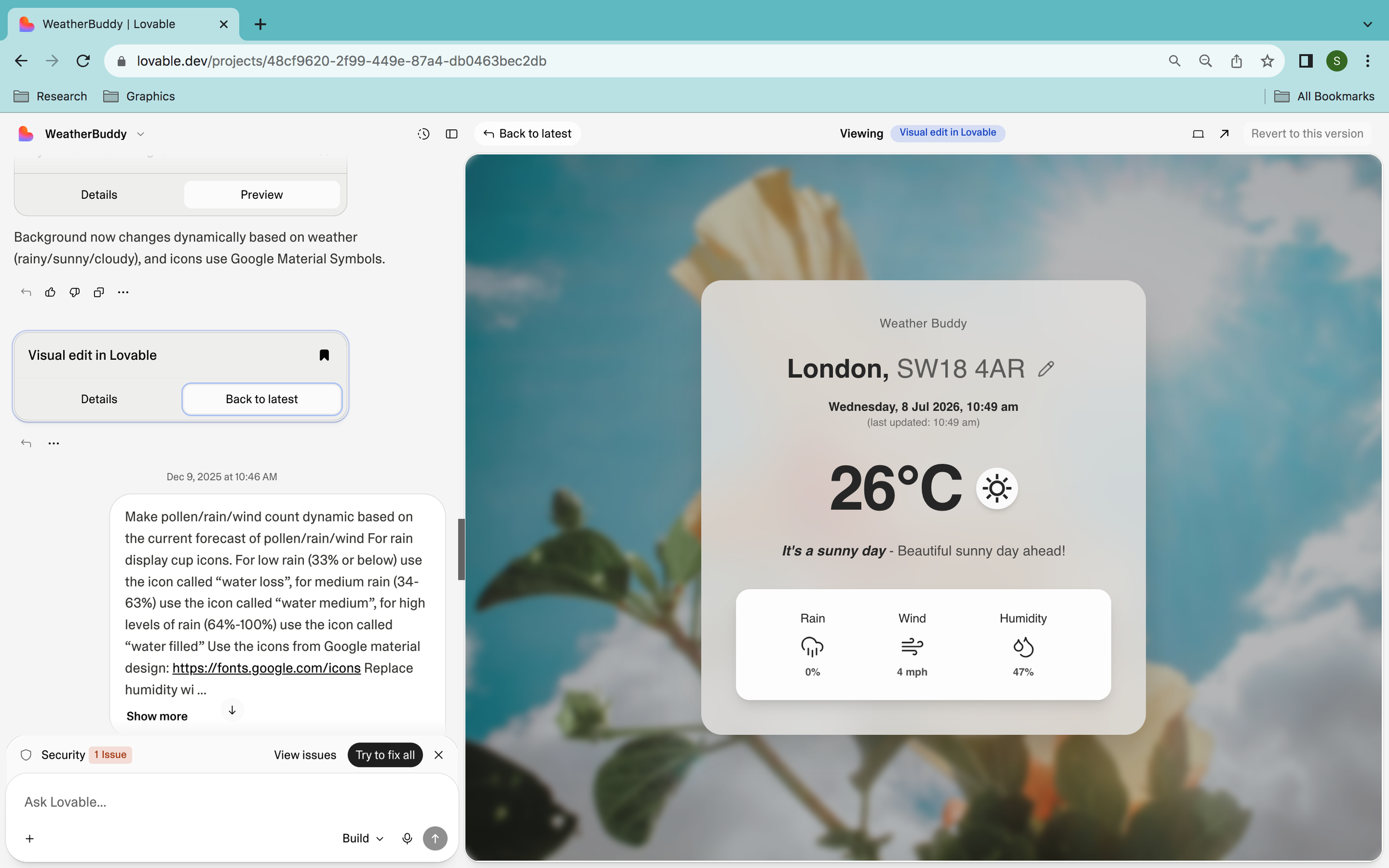
Making the background image dynamic & relative according to the weather. E.g. If it’s raining, there’s an rainy image or a nice sunny background if it’s a hot day.
Making the icons either low filled or filled high according to rainfall levels & providing a prompt with specific percentages to work with
Providing the source to use the icons from
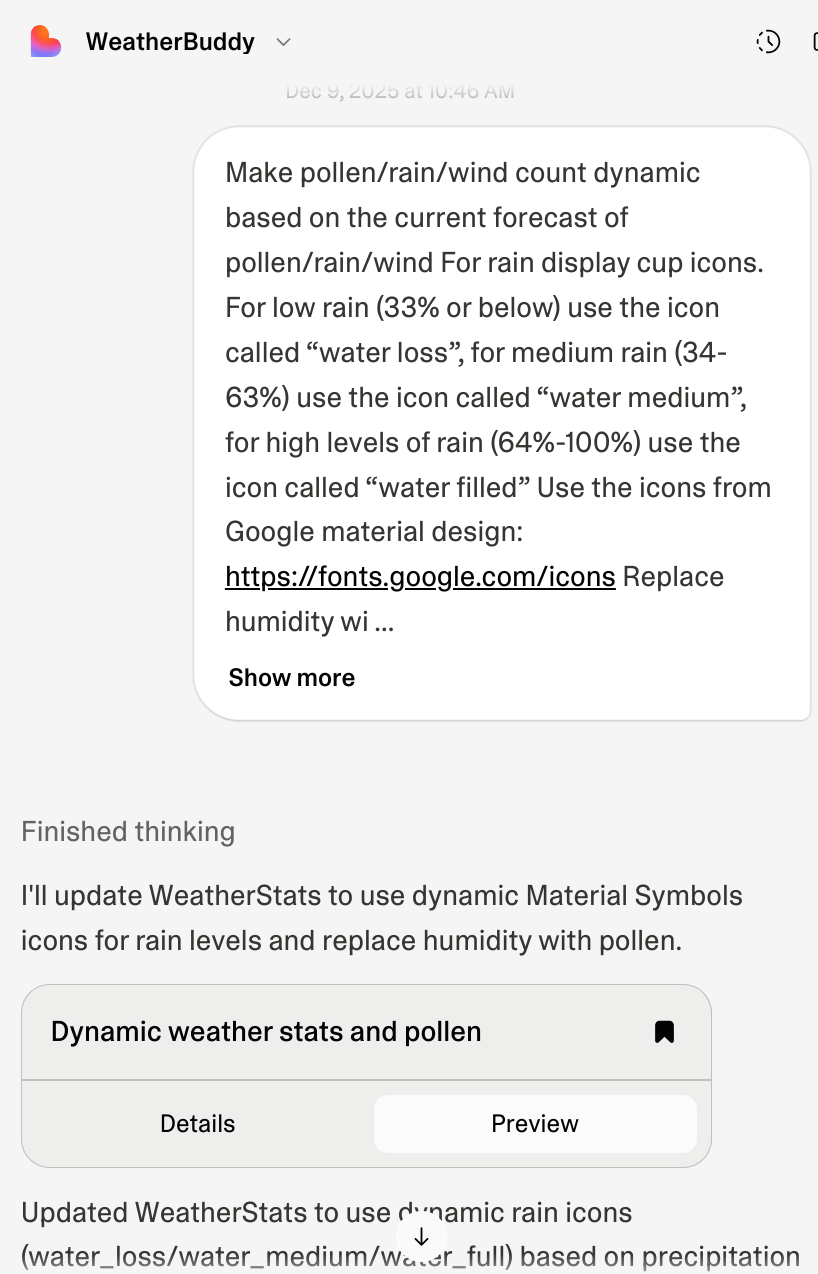
Connecting live Met Office Data
Connecting data meant providing the real sources from the data hub at metoffice, providing the right documentations for AI to study & the API documentation to ensure the real weather data was integrated correctly.
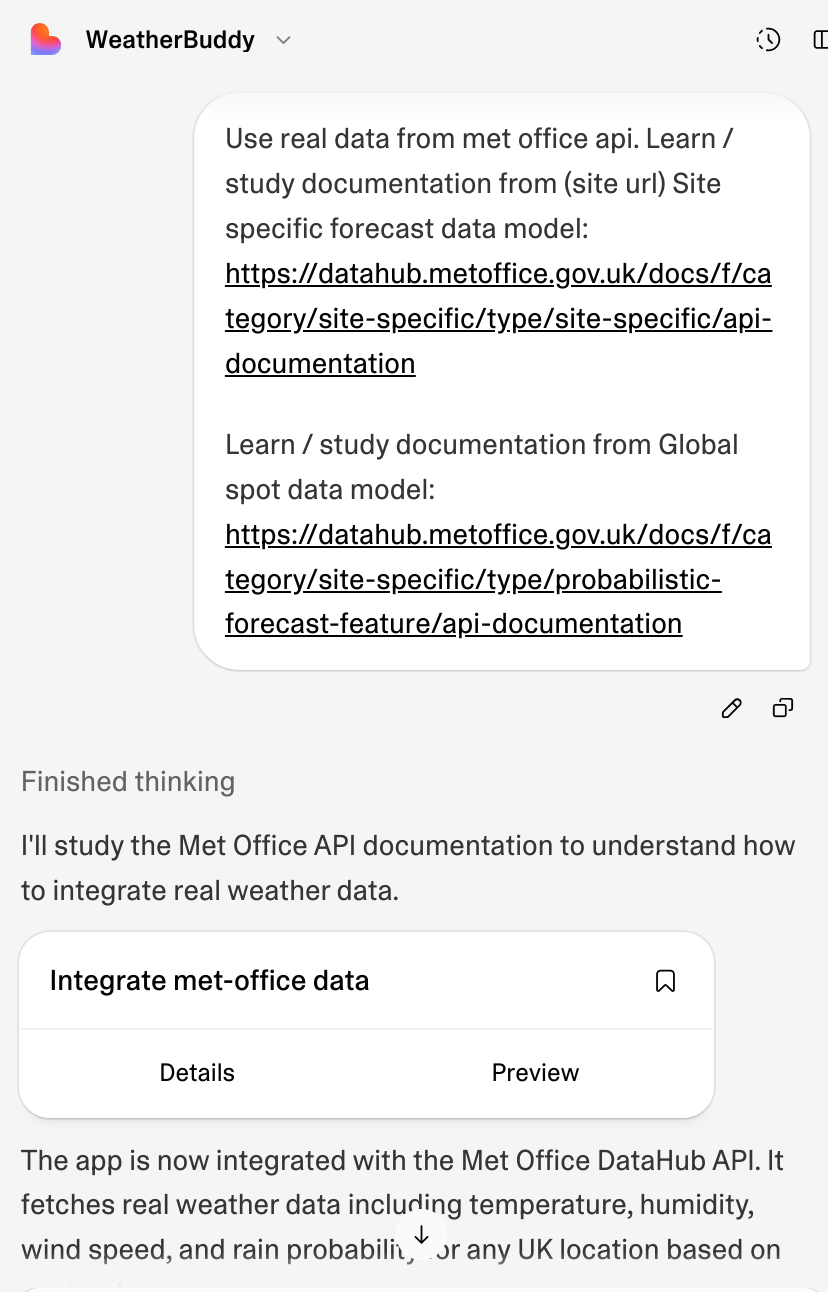
What worked & what didn’t work…
What Worked:
Connecting live met office data - It shows real data, live
Dynamic backgrounds that match the data & make the app feel more visually appealing
Dynamic icons & tagline text that also match the data - Making it feel more relatable & playful
Designing directly in Lovables’ edit visual view as well as in FIGMA
What Didn’t Work:
It’s easy to use up credits fast! You have to get really good at writing good & effective prompts to get them working well - It’s a lot of trial & error